


Mirror Link
3.2398.00 Reviews
App Specs
- Version
- 41.0
- Updated On
- License
- Free
- Downloads
- 1,000,000+
- Developer
- Wallet Passes Alliance
- Categories
- Libraries & Demo
- Platform
- Android, iOS
Screenshots
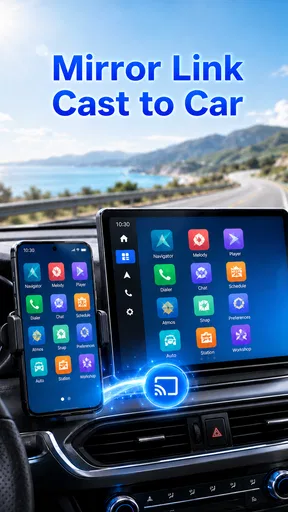
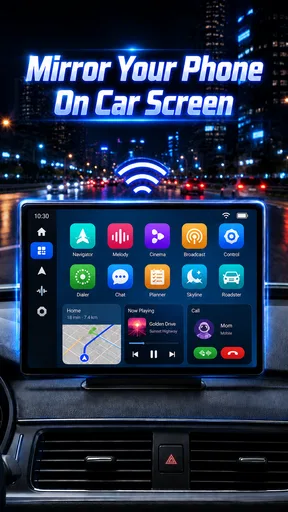
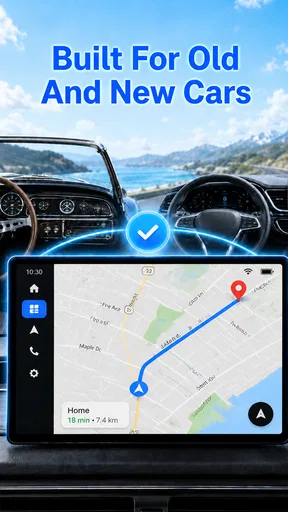
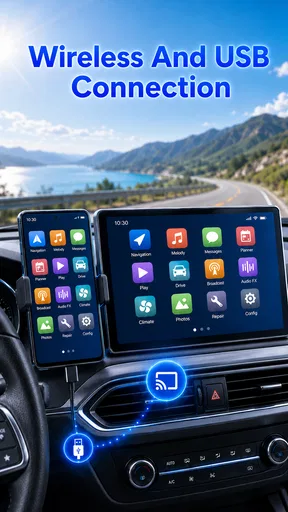
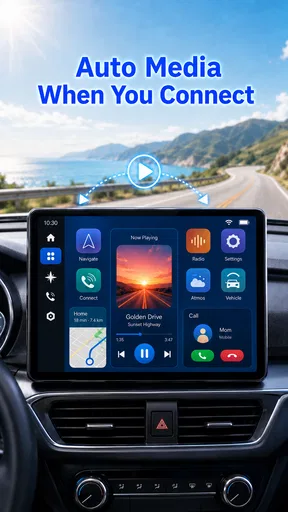
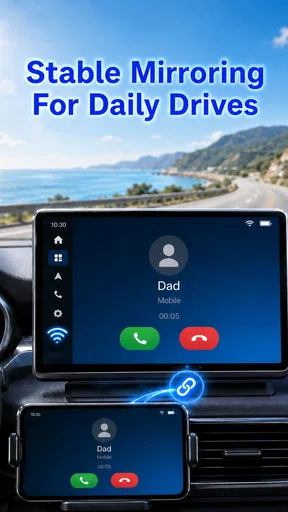
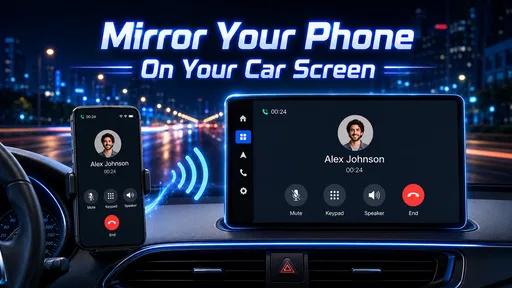
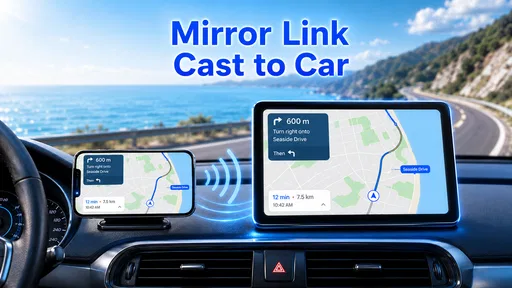
 Analysis by AppCompare
I think the first thing to know about Mirror Link is that its usefulness depends less on a catchy promise and more on whether your phone and car can work together. It is a free Android app from Flavapp, in the libraries and demo space, with a simple aim: put a phone display on a compatible car screen. If that matches the setup you already own, it may be worth exploring; if not, installing it alone cannot make an incompatible dashboard support phone mirroring.
What the current version tells you
The app is currently at version 41.0, and it was released on August 31, 2020. That gives a reader a clear snapshot of its age and present version, but it does not by itself tell us which functions changed between releases. I would treat the version number as a practical checkpoint rather than proof of a particular improvement: check that the app opens on your phone and that its connection method is supported by your car before relying on it for a trip.
It has an average rating of 3.2 from around 23,000 ratings, alongside 395 written reviews and over one million installs. Those figures suggest that plenty of people have tried it, while the middling average is a reminder that the experience may vary. For a mirroring tool, variation is especially plausible because the app is only one part of a chain that also includes the handset, cable or connection method, and vehicle display.
Why compatibility matters more than a polished promise
Before you plan to use it as your everyday dashboard, check the manual or settings for both the phone and the car for Mirror Link support. The name can be easy to confuse with general screen casting, but car systems do not all accept the same mirroring standards. A phone that casts to a television, for example, is not automatically able to mirror to a vehicle display. Confirming the exact system saves time and avoids mistaking a compatibility mismatch for an app fault.
For a first test, park somewhere safe, connect the phone using the method your vehicle supports, and see whether the car screen responds. Try a familiar navigation destination and audio app while stationary, then learn which controls are available through the dashboard. If the screen stays blank or the connection drops, check the cable and the vehicle’s input selection before repeating the setup. That small routine is more useful than discovering a problem after setting off.
A realistic role on an ordinary drive
Imagine getting into a car you use for a regular commute. You want directions visible on the built-in screen and a playlist ready before pulling away, not a phone balanced in a holder that tempts you to glance down. If your equipment is compatible, mirroring can make that arrangement feel more unified. I would set the destination and music while parked, then leave the phone alone once moving. It is a simple habit, but it keeps the convenience from becoming a distraction.
That also points to the app’s best audience: drivers who already have a compatible vehicle and handset and want to try using the car display they own. It is less suitable for someone shopping for a guaranteed navigation solution, someone whose vehicle uses a different projection system, or anyone expecting the app to add a new feature to an unsupported dashboard. In those cases, a built-in system or a projection option explicitly supported by the vehicle is a more dependable route.
Worth Reading Before You Choose

Flipboard Shows What News Apps Must Do Beyond the Feed

Switching to Android Auto Means Rethinking Your Driving Routine

Google Calendar Makes a Crowded Week Easier to Manage

Ludo King Makes the Most of the Minutes Between Plans

Baby Panda World Brings Quick Play to Modern Phones, but Its Game Library Feels Busy

ESPN’s Live Game View Makes Following Close Games Easier
Getting Started with Mirror Link
First things first, setting up Mirror Link is a breeze. All you need is a compatible smartphone and a car that supports Mirror Link technology. Once you’ve confirmed compatibility, it’s as simple as connecting your phone via USB. Voilà! Your phone’s interface is now mirrored onto your car’s screen. No more fumbling with your phone while driving.
Interface and Usability
The app’s interface is sleek and user-friendly. It mirrors your phone’s display so you can navigate through your apps directly from the car’s dashboard. Apps like music players, GPS, and messaging are easily accessible, making your driving experience both safer and more enjoyable. What I love most is that you can use the car’s controls to interact with your apps, so there’s no need to touch your phone at all.
One feature I found particularly handy is the voice control. It allows you to send messages or make calls without taking your hands off the wheel. It’s like having a personal assistant in your car! Just say the word, and Mirror Link does the rest.
Performance and Reliability
Now, let’s talk about performance. The connection is generally stable and reliable, though it does depend on your car and phone model. During my test drives, there were no noticeable lags or disruptions. It’s like having a mini-computer in your car that works flawlessly.
However, I did notice that not all apps are compatible with Mirror Link. This can be a bit of a bummer if you have a specific app in mind. But fear not, the developers are continually working on updates to expand compatibility. Fingers crossed, your favorite app will be next!
How I’d judge it against alternatives
I would not compare this with every app in the broad libraries and demo category; the useful comparison is with other ways to put phone content on a car screen. If your vehicle supports a dedicated projection system such as Android Auto or Apple CarPlay, that is often the more straightforward choice for supported navigation, calls, and audio. Those systems are designed around driving tasks rather than showing a general phone display. Mirror-style access can feel more direct, but it depends on compatibility and may not make every app suitable or available while driving.
A phone mount is another honest alternative. It does not integrate with the dashboard, but it can be simpler when the car has no compatible projection system. The trade-off is that you still need to position the phone carefully and avoid interacting with it while moving. I would choose the option that works reliably with the equipment already in the car, not the one that sounds most flexible on paper.
Small checks that prevent avoidable frustration
One useful tip is to test with the exact phone, cable, and vehicle you intend to use; success with a different handset or a borrowed lead does not prove your own setup will behave the same way. Keep the phone’s battery and cable condition in mind, too, since a wired connection may be less convenient if the cable is loose or awkward to route. Before driving, also adjust the dashboard layout and audio source while parked so you are not troubleshooting menus on the road.
Another trade-off is the difference between mirroring and a driving-friendly interface. A larger display does not automatically make a small touch target safer to use, and a message appearing on the dashboard is not a reason to read or type while driving. I would treat the car screen as a way to prepare and view suitable information, not as permission to use every phone app in motion. Voice features can help, but they still require attention and may not work equally well in every vehicle.
What to expect from support and updates
The app is free and rated for everyone, so there is no purchase decision to weigh before a basic compatibility test. Still, I would not assume that a later version will solve a particular vehicle problem. Version 41.0 is the current reference point, while future changes are something to watch rather than a promise. If the connection already works, test any update while parked before depending on it for a commute; if it does not work, first identify whether the limitation is the phone, car, cable, or supported mirroring standard.
That is also how I would interpret the mixed reception. A 3.2 average is neither a reason to dismiss the app outright nor a guarantee that it will suit your setup. Read user feedback with your own phone and car in mind: a complaint about a different vehicle may not apply to you, while repeated reports that match your exact equipment deserve attention. The app’s usefulness is local and practical, not something a rating can settle for every driver.
Safety and Convenience
One of the biggest selling points of Mirror Link is its focus on safety. By enabling you to use your apps through the car’s interface, it significantly reduces the temptation to use your phone while driving. This is a huge plus for anyone looking to keep their eyes on the road and hands on the wheel.
Moreover, the convenience it offers is second to none. Whether you’re navigating through traffic, streaming music, or catching up on messages, it all feels effortless. It’s like your smartphone and car are speaking the same language, and you’re the one benefiting from this harmonious conversation.
Who should try it, and who should move on
I would give it a chance if you already own a car and phone that explicitly support this kind of connection, especially if you want to test whether the built-in display can take over a task you currently handle on the handset. It can be a sensible experiment for an occasional driver, a household with a compatible older vehicle, or someone who wants directions and audio in one place without buying extra hardware first.
I would skip it if you need a guaranteed, polished in-car system for work, frequent long drives, or a vehicle that relies on a different standard. It is also the wrong choice if your main goal is to use unrestricted phone apps while driving. In those situations, a purpose-built car projection system or a simple audio-only setup is more predictable and easier to keep focused on the road.
Final Thoughts
In a world where connectivity is key, Mirror Link stands out as a must-have app for drivers. It merges the best of smartphone technology with the practicality of your car’s dashboard. While there’s room for improvement, especially with app compatibility, the overall experience is smooth and satisfying.
If you’re someone who spends a lot of time on the road, this app could be a game-changer. It’s all about making your drive safer and more enjoyable without compromising on the tech you love. So, if you haven’t tried it yet, give Mirror Link a whirl. It just might become your new favorite driving companion.
My bottom line is practical rather than sweeping: treat it as a compatibility-dependent tool, not a universal upgrade for every car. Its 1M+ installs show it has reached many users, but the best reason to try it is still a successful parked test with your own equipment. If that test works and the controls suit your routine, it may earn a place in your setup; if it does not, choosing a supported alternative is the safer and less frustrating call.
Pros
- Seamless integration with car systems.
- Supports a wide range of devices.
- Simple user interface for ease of use.
- Real-time navigation display.
- Enhances driving safety with hands-free control.
Cons
- Limited app compatibility.
- Requires a stable internet connection.
- May not support older car models.
- Potential for connectivity issues.
- Some features require paid upgrades.
FAQs for Mirror Link
What is Mirror Link and how does it work?
Mirror Link is a technology that connects your smartphone to your car's infotainment system, allowing you to access apps directly from the car's dashboard. It mirrors your phone's display onto the car screen, enabling you to use navigation, music, and other compatible apps safely while driving.
Which devices and vehicles are compatible with Mirror Link?
Mirror Link is compatible with a selection of Android phones and some iOS devices, but it's essential to check the specific model compatibility. Additionally, not all vehicles support Mirror Link; it is usually found in newer models of brands like Volkswagen, Peugeot, and Citroën. Always verify compatibility before purchase.
What apps can I use with Mirror Link?
Mirror Link supports various apps, including navigation apps like Sygic and music apps like Spotify. However, the list of compatible apps may vary depending on your smartphone and car model. It’s advisable to check the official Mirror Link website or your car manufacturer’s website for the most up-to-date app compatibility list.
Is Mirror Link safe to use while driving?
Mirror Link is designed to be a safer alternative for accessing smartphone functions while driving. It limits functionality to apps that are safe to use on the road, such as navigation and music. Always ensure your attention remains on driving, and use Mirror Link responsibly to avoid distractions.
How do I set up Mirror Link in my car?
To set up Mirror Link, ensure your smartphone and car infotainment system are compatible. Connect your phone via USB to the car's system, then select the Mirror Link option from the car’s menu. Follow any additional on-screen instructions to complete the setup process. Refer to your car's manual for specific steps.


